01
Drop in your raw video
It transcribes it and cuts out the silences, mistakes and repeats.
The AI Editor Package
The quality of a human editor at a fraction of the price, in half the time.
Built by a full-time editor behind 300M+ views.
Your footage. Your brand. A style that already works.
How it works
It transcribes it and cuts out the silences, mistakes and repeats.
Choose one of the 45+ included styles, or your own saved style.
Check the rough cut and the look, then leave notes at the exact second. Edit Review makes the changes.
The finished reel, a carousel and trial reels, all from that one video.
Edit Studio
This is the Edit Studio. It runs on your computer, and Claude does the editing. You steer every stage.
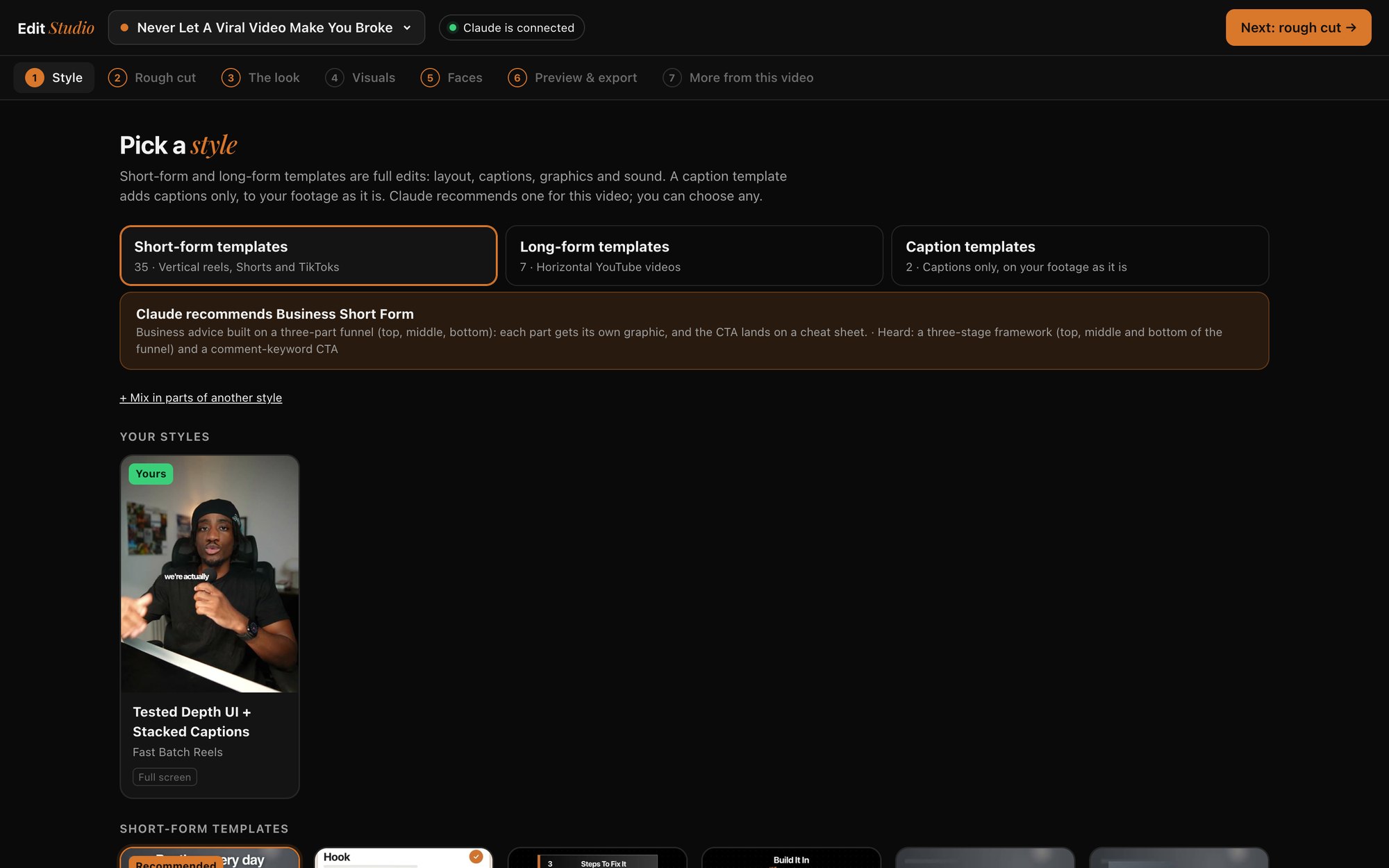
Claude recommends a style for your video. Your saved styles sit at the top, and you can mix in parts of another.
Who built this
Most AI editing tools are made by people who've never edited a video for a paying client. This one was built by someone who's done it every day for 5 years.
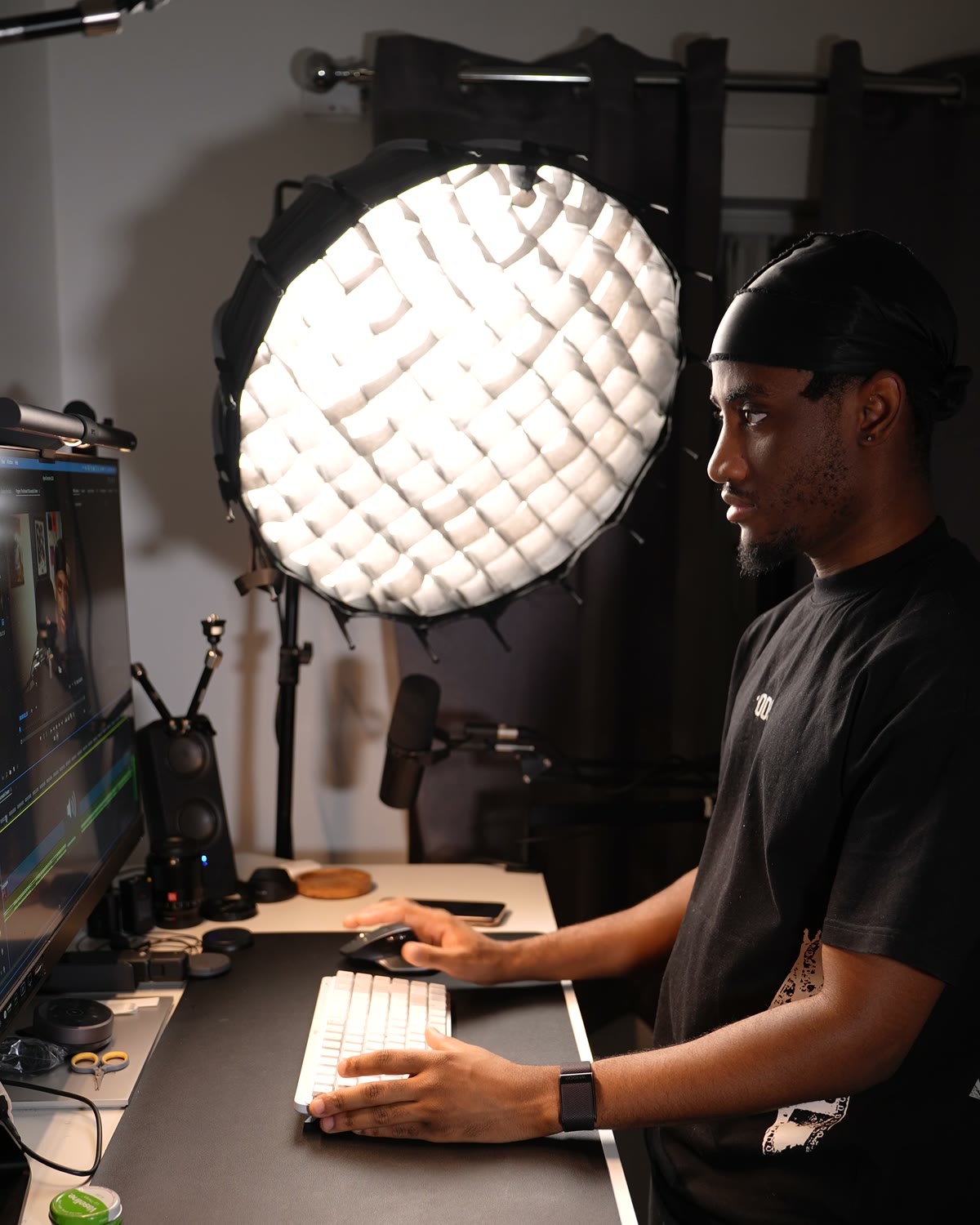
I'm Ajene. I've edited for over a dozen creators and business owners, and the videos I've cut have pulled in over 300 million views.
Then I spent months teaching AI to edit the way I do:
No cheesy AI graphics thrown on every second. It edits with taste, because it learned from an editor who has it.
What you get
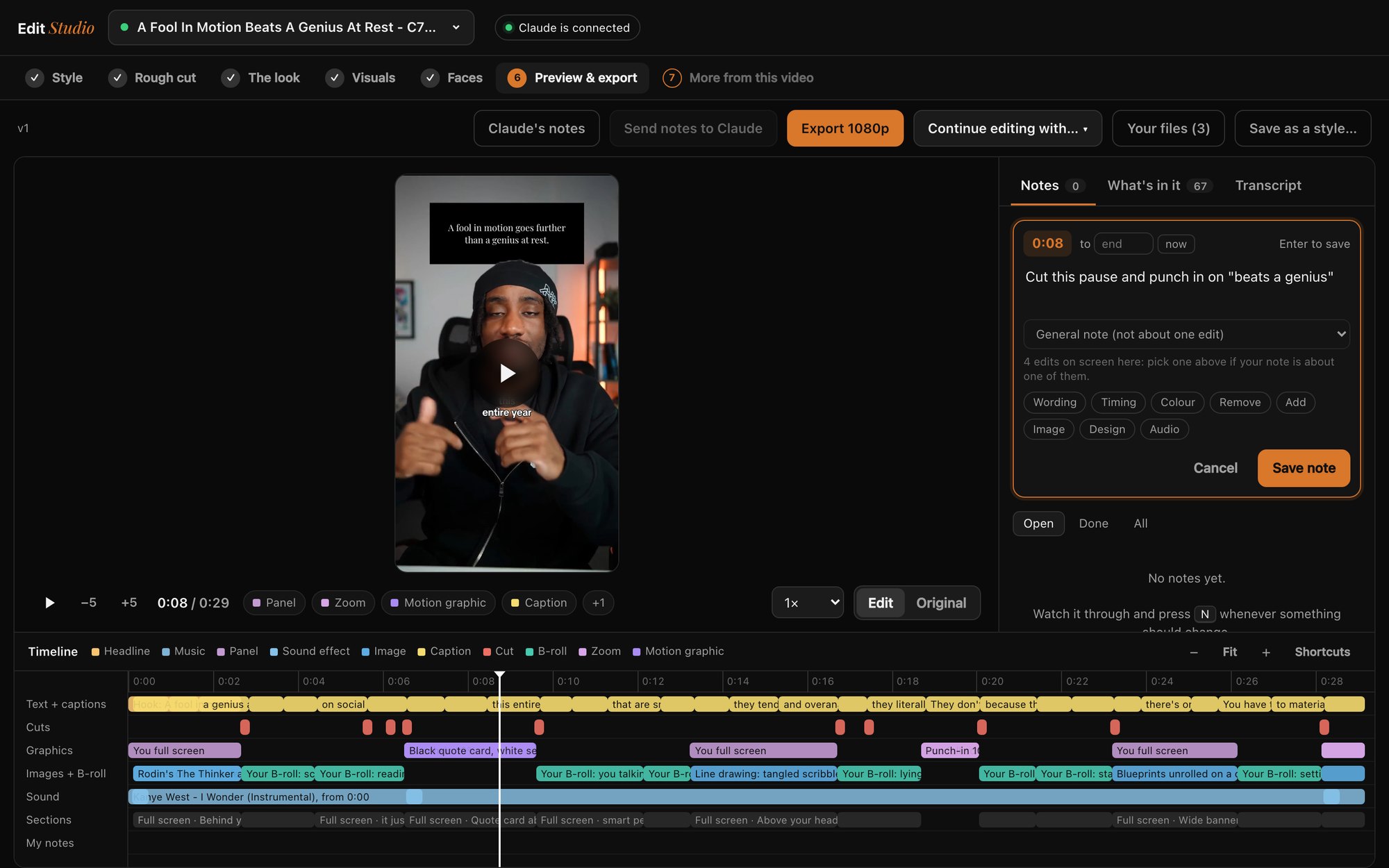
Edit Studio. Drop in a raw video, choose a style and check each stage before anything renders: the rough cut, the look, B-roll and graphics.
Edit Review. Every edit arrives as a preview first. Leave a note at the exact second and it makes the change before the final render.
Saved styles. Your colours, fonts and pacing are saved, so every edit comes out looking like you.
Carousels and trial reels. Every video becomes a carousel and multiple trial reels, so one recording fills your week.
Mini course included
7 short video lessons, each with the steps and the exact prompts I use. From installing it to batch editing and trial reels.
Set up Claude, install the pack and run Creator Setup so every style uses your brand.
Accurate transcripts mean sharper cuts. Create the key and hand it to Claude safely.
Turn on the Watch skill, so Claude can watch any video from a link.
One raw video, from style to rough cut to finished export.
Approve one draft, mix styles if you like, and Claude edits the rest in parallel.
Record on your phone, send it over, and get the finished edit back.
One tier-list video becomes 10 trial reels from two prompts.
Every lesson has the step-by-step and the prompts to copy.
Film once
One recording, straight off your camera.
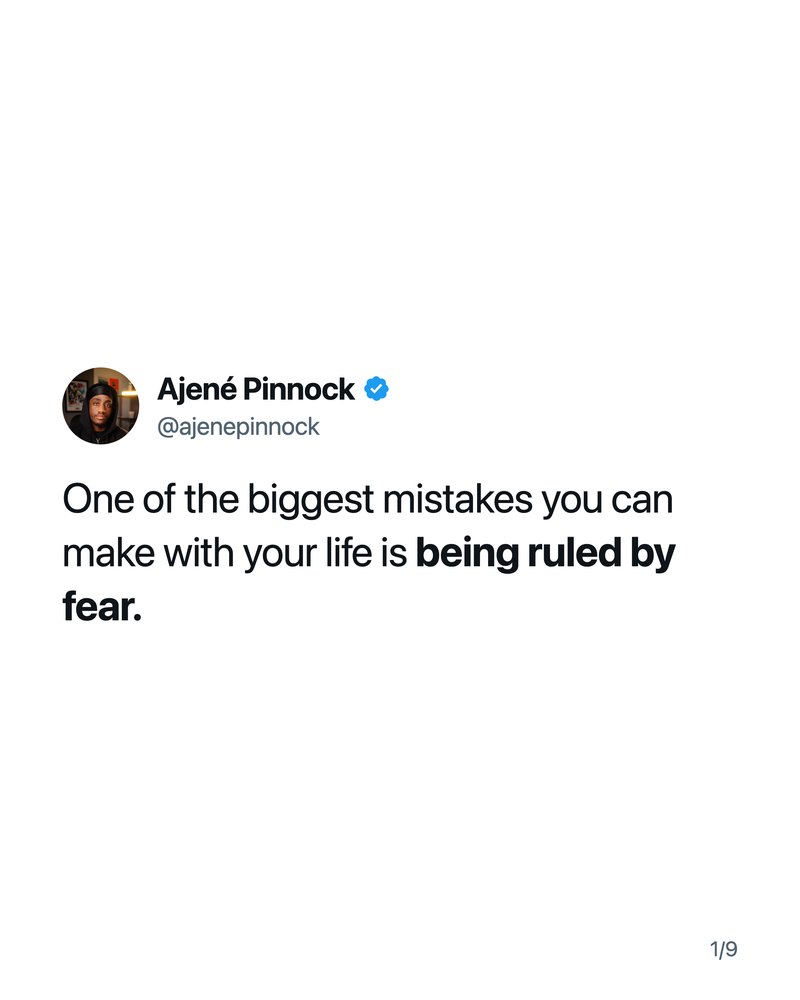
Editors charge extra for every one of these. Here they come from the same edit.
Styles included
Hover or tap a style to see a real edit.
Full screen, split screen and full-screen animation, switching on every cut.
Fast cuts, your own B-roll, one-word captions.
You in a panel at the bottom, animated explanations on top.
The panel edit with glass cards, counters and drawn graphs.
Your face on top, diagram animations underneath.
Tight cut, B-roll, captions with stacked key phrases.
One big accent word with the rest fitted around it.
Clusters of images above your head, small quiet captions.
A long video in, ranked vertical clips out.
You cut out over full-screen images that change with every idea.
You in the centre of four images that change together.
You full frame, real interfaces and screens behind your head.
A tier list that fills up as you rank things, one card at a time.
No dead space, small two-line captions, a TikTok text-box hook, and pictures that cut in above you.
You stay in one spot while real proof rotates above your head: images, videos or a screen recording.
Two of you, side by side, each making the case for one side.
You play a beginner and an expert, cutting between the two full screen.
Big cinematic words popping in over black-and-white B-roll.
A numbered 1 to 5 board. Each pick drops into its spot as you say it, in any order.
A folder of trip or day clips cut together with voiceover, timestamps or beat cuts.
A coloured grid fills in row by row as you walk through each if-then, with your face below it.
A two-column chart above your head. Everything you name drops into one side.
You read a long list fast, and each item pops into a numbered list as you say it.
A calm story in your own room: pictures, quote cards and clips appear behind you as you talk.
The things you name rise from behind your head, with calm stacked captions.
Your hook goes big behind your head and the rest stacks in front of you.
You stay full frame while the exact thing you name appears above your head.
You at your normal framing, with one picture at a time rotating below your head.
You stay full screen while each sentence stacks under your chin with one glowing key word.
Every line picks its own look: you on camera, a statement card, a stat, or B-roll.
Full-screen cards show one word at a time, flipping in sync with your voice.
The words you say turn into things: a count into boxes, a brand into its logo.
The picture replaces the word: a brand becomes its logo right on the caption.
You alternate with clean animations, one real logo in the spotlight.
A stacked hook, one-word captions, flip cards, black-and-white B-roll and a logo animation.
You play a voice note, react, then answer, with a waveform that plays in sync.
Your life story in 30 seconds: old photos first, then the wins as video when the music drops.
Faceless: your voice over black while thin white lines act out every line.
Long-form edit with overlays, split screen and explainer animations.
Your notes document on the left, you on the right.
A full call in, ranked clips out, graphics beside you.
The on-screen teaching document you scroll through in a split-screen lesson.
Words either side of your head at eye level, fading up one at a time.
A YouTube list video: a chapter marker for every point, glass cards beside you and full-screen diagrams.
A clean YouTube edit with no motion graphics: tight cut, pictures beside you, text on black.
Whiteboard lessons: a packed intro, typed chapter cards, then the board does the teaching.
Lesson or list videos: bold step titles on a glowing black screen, panels beside you.
Screen tutorials: you full screen when you talk, a Tella-style layout when you show the screen.
Index your own footage once, then search it in plain English and match it to a script.
A video in, emails and social posts out, written in your voice.
The placeholder shows the layout. Your edits use your footage, your brand colours and your fonts.
A different way to edit
A recurring retainer, month after month.
Per app, and most people run two or three.
One payment, then only the Claude subscription you may already have ($20 to $200 per month). Includes carousels and trial reels editors charge extra for.
And you still do the editing yourself.
Pack total excludes your Claude plan and any paid transcription. App prices are monthly list prices as published in October 2026 and change often. Editor range is a typical freelance retainer. Check each provider for current pricing.
Make them yours
The 45+ skills are where you begin. Because they are plain skills you own, Claude can change them with you.
Like a style but want different captions, colours or pacing? Tell it once and it's saved for every edit after that.
Take the captions from one style, the layout from another and the graphics from a third. Claude merges the parts you like into one style that is yours.
Use the 45+ as working examples and have Claude build a new style from your own reference videos.
Getting an editing style right from scratch takes round after round of prompts, renders and corrections, and every round uses your Claude limits. These skills have already been through that. You spend your usage on your videos, not on building the editor.
You are not buying 45+ fixed templates. You are buying 45+ proven places to start.
In their words
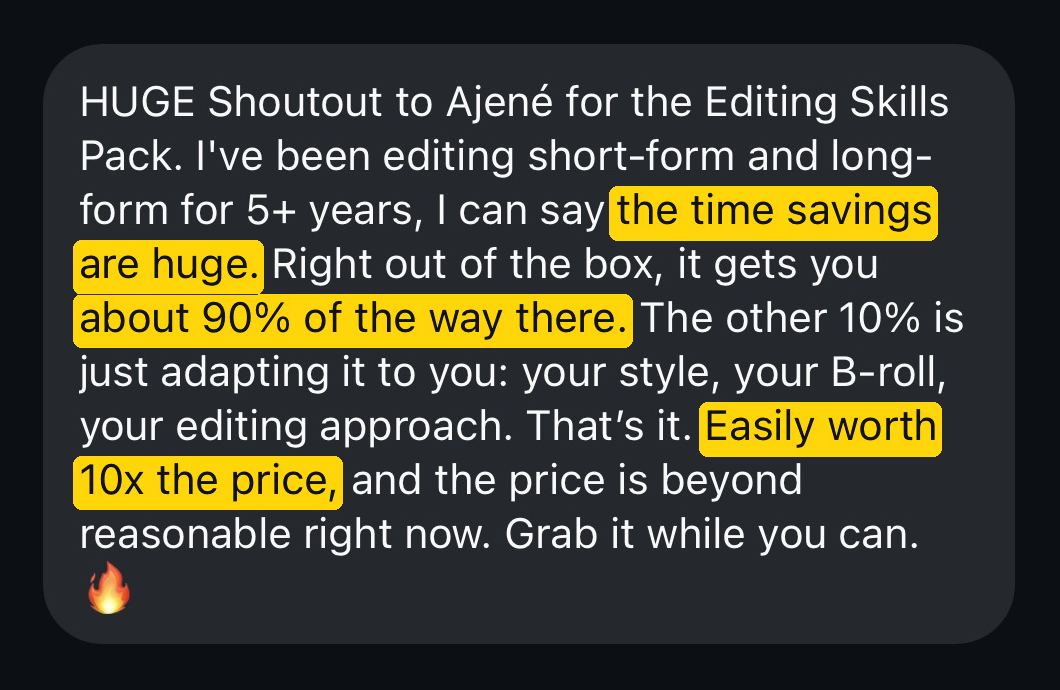
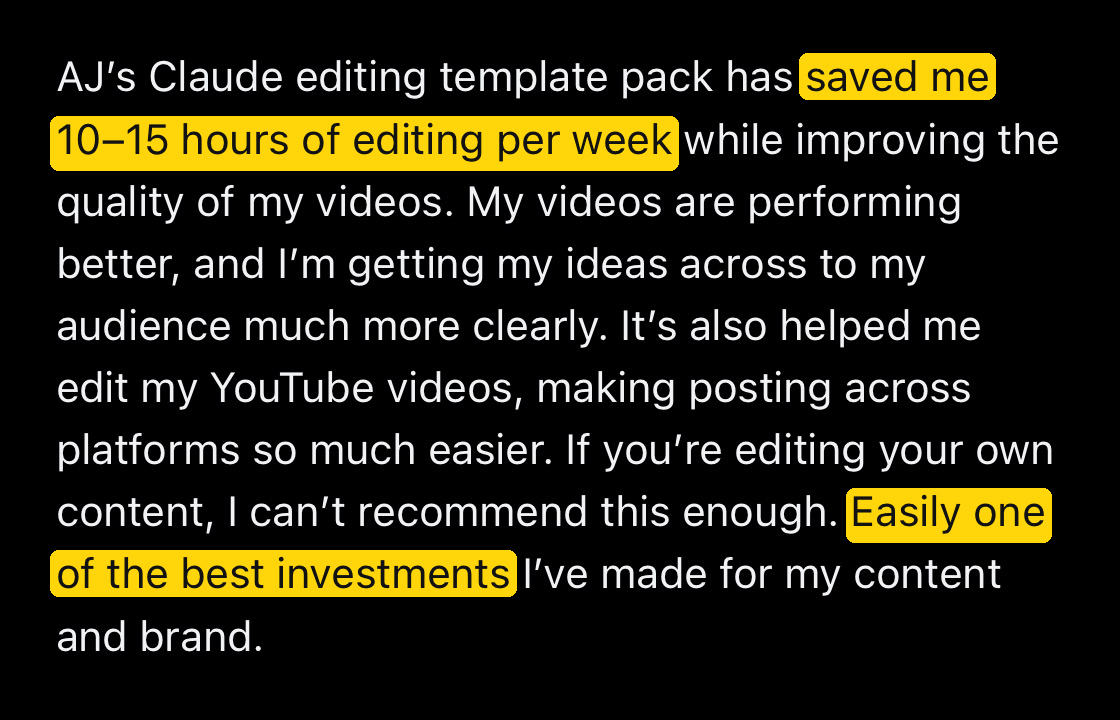
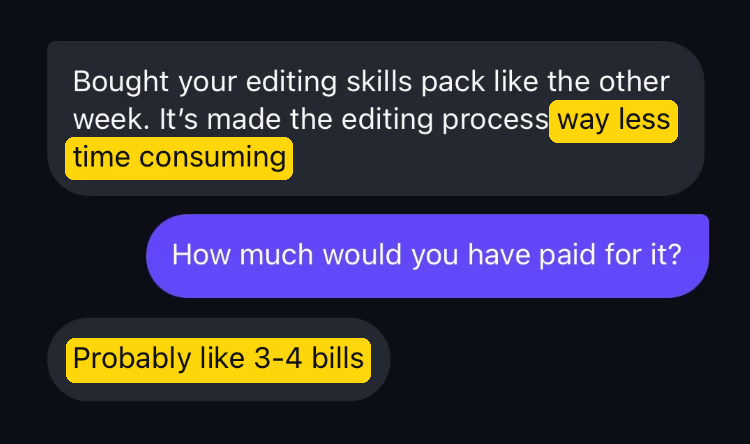
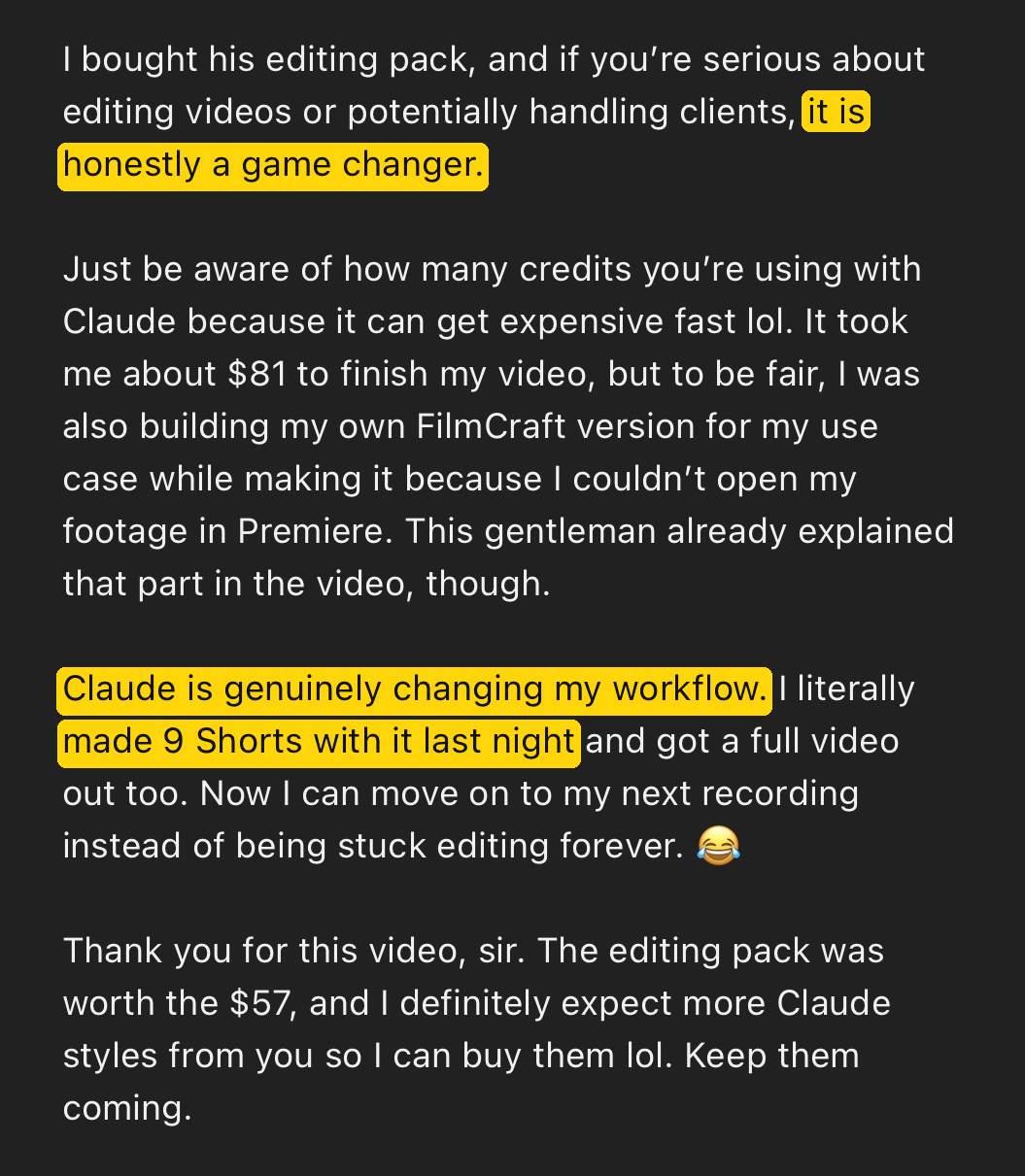
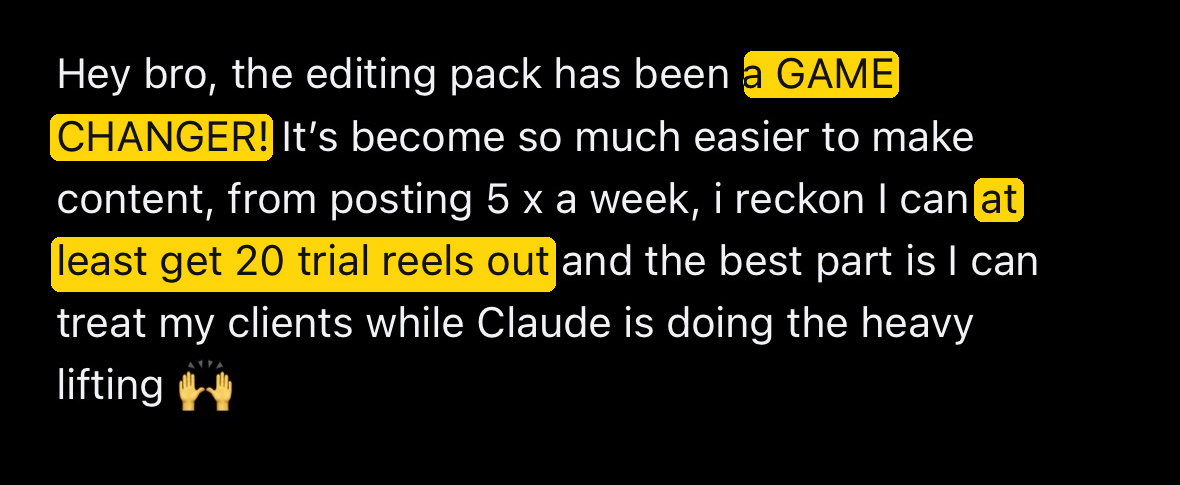
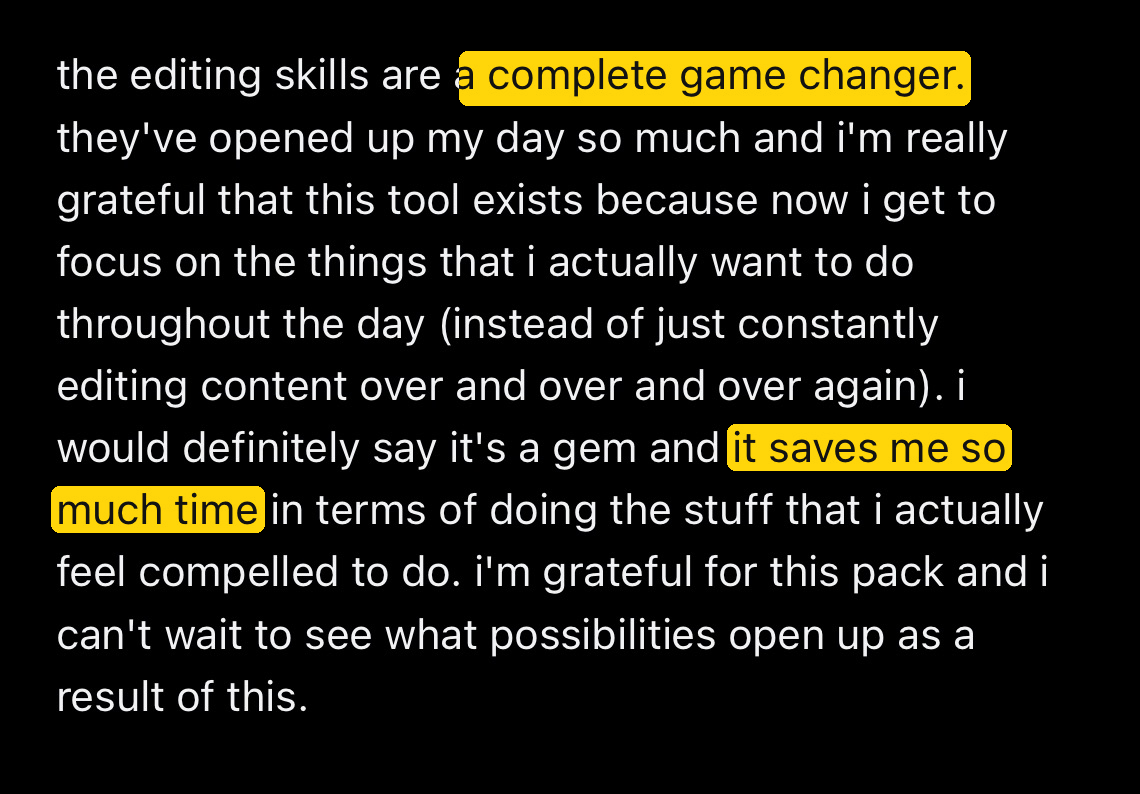
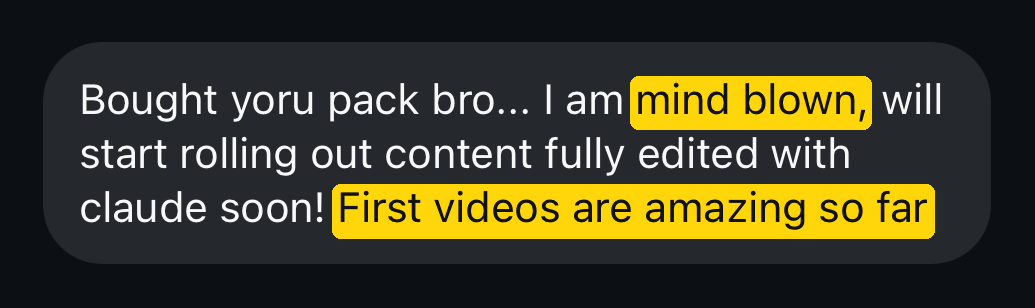
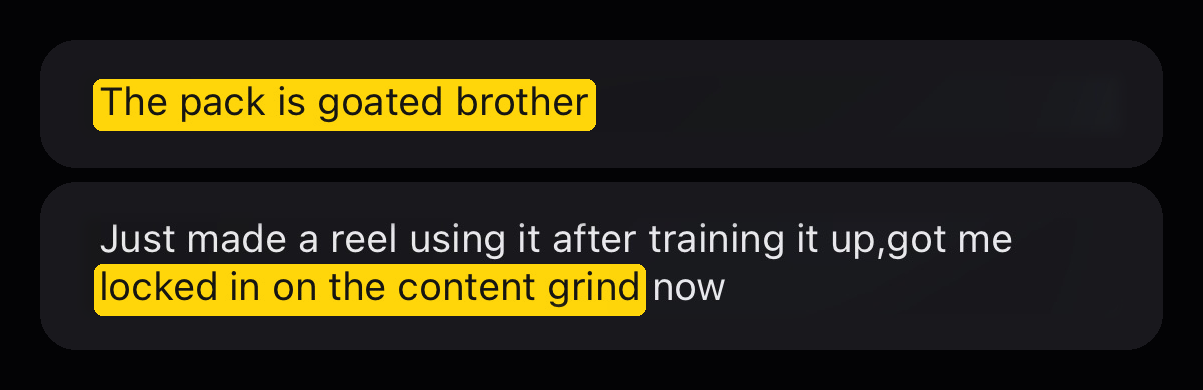
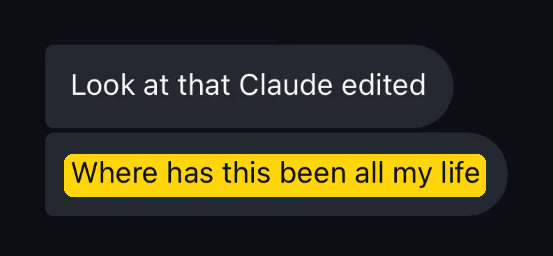
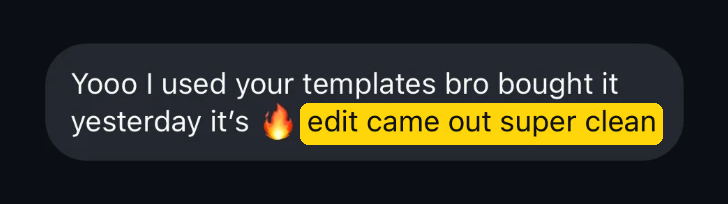
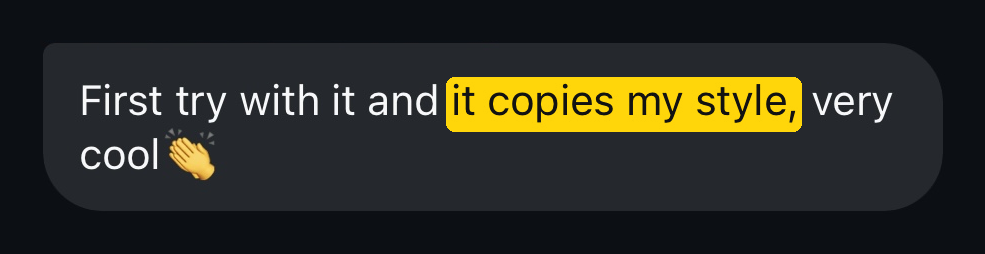
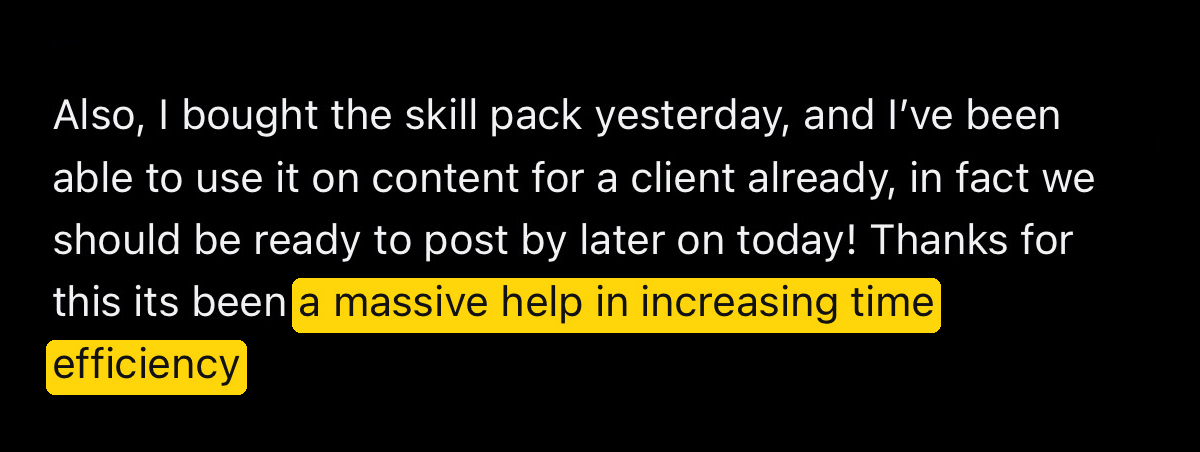
Reviews shared with permission. Names and photos removed.
Before you buy
Fonts, music and footage are your own.
Get the full package
Doors are closed until launch. Join the waitlist for early access and waitlist-only launch pricing.
Digital product. All sales are final.
Your Claude plan is purchased separately.
A few things to know
Your Own AI Video Editor
Built by an editor. Your footage. Your style.
Join the waitlist